Configuring Vitest in Vite
To integrate Vitest into your Vite project, you need to configure it in your vite.config.ts file and set up the necessary scripts in your package.json. This guide will walk you through the process.
Getting Started
Step 1: Install Vitest
To get started with Vitest, you need to have a Vite project set up. Alternatively you can also get started and run your tests using the VS Code Extension. You can install Vitest using the following:
- npm
- yarn
- pnpm
- bun
npm install -D vitest
yarn add -D vitest
pnpm add -D vitest
bun add -D vitest
Once installed, you can create a basic test file and run it using Vitest.
Vitest requires Vite >=v5.0.0 and Node >=v18.0.0
Step 2: Configure Vitest in vite.config.ts
Next, you need to configure Vitest in your vite.config.ts file. Open the file and add the following configuration:
import { defineConfig } from 'vite';
import react from '@vitejs/plugin-react';

export default defineConfig({
  plugins: [react()],
  test: {
    globals: true,
    environment: 'jsdom',
    include: ['src/**/*.{test,spec}.{js,ts}'],
  },
});
Explanation:
- globals: true: This option allows you to use global methods like
describe,it, andexpectwithout importing them in each test file. - environment: 'jsdom': This sets the testing environment to
jsdom, which is suitable for testing frontend code. - include: This specifies the pattern for test files. Adjust this pattern according to your project structure.
Step 3: Set Up Vitest UI in package.json
To use the Vitest UI, you need to add a script in your package.json file. Open the file and add the following script:
{
  "scripts": {
    "test": "vitest",
    "test:ui": "vitest --ui"
  }
}
Explanation:
- test: This script runs Vitest in the command line interface (CLI).
- test:ui: This script runs Vitest with the user interface (UI), providing a visual dashboard for your tests.
Writing Tests
Vitest uses a syntax similar to Jest, making it easy to write and understand tests. Here's a simple example:
export function multiply(a, b) {
  return a * b
}
import { describe, it, expect } from 'vitest';

describe('Math Operations', () => {
  it('Multily 10 * 5 to equal 50', () => {
    expect(multiply(10,5)).toBe(50);
  });
});
It's just basic example, won't be using it for actual test below.
Step 4: Run Vitest
You can now run Vitest using the following commands:
- npm
- yarn
- pnpm
- bun
npm run test
yarn test
pnpm run test
bun run test
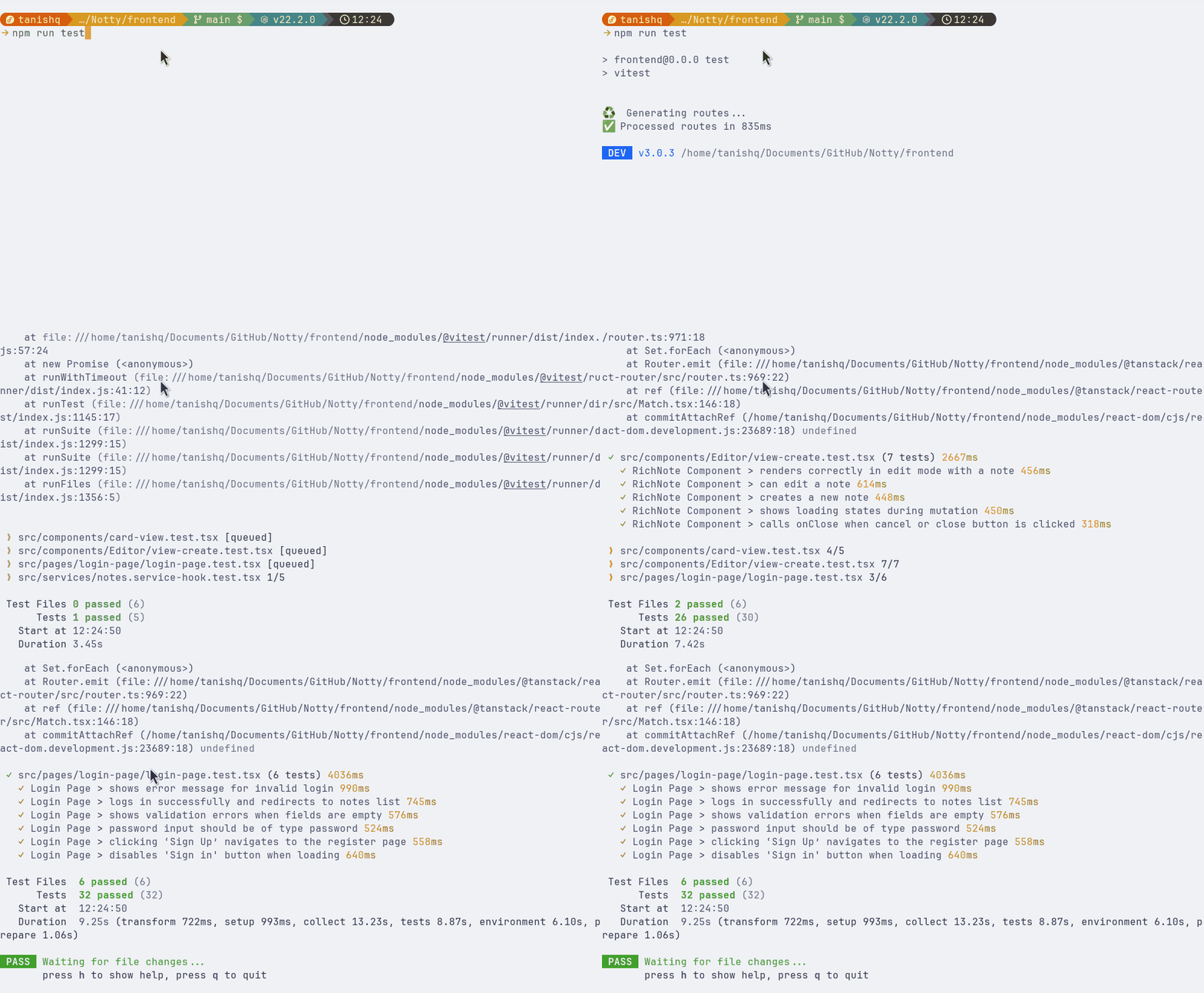
To run tests with the UI:
npm run test:ui
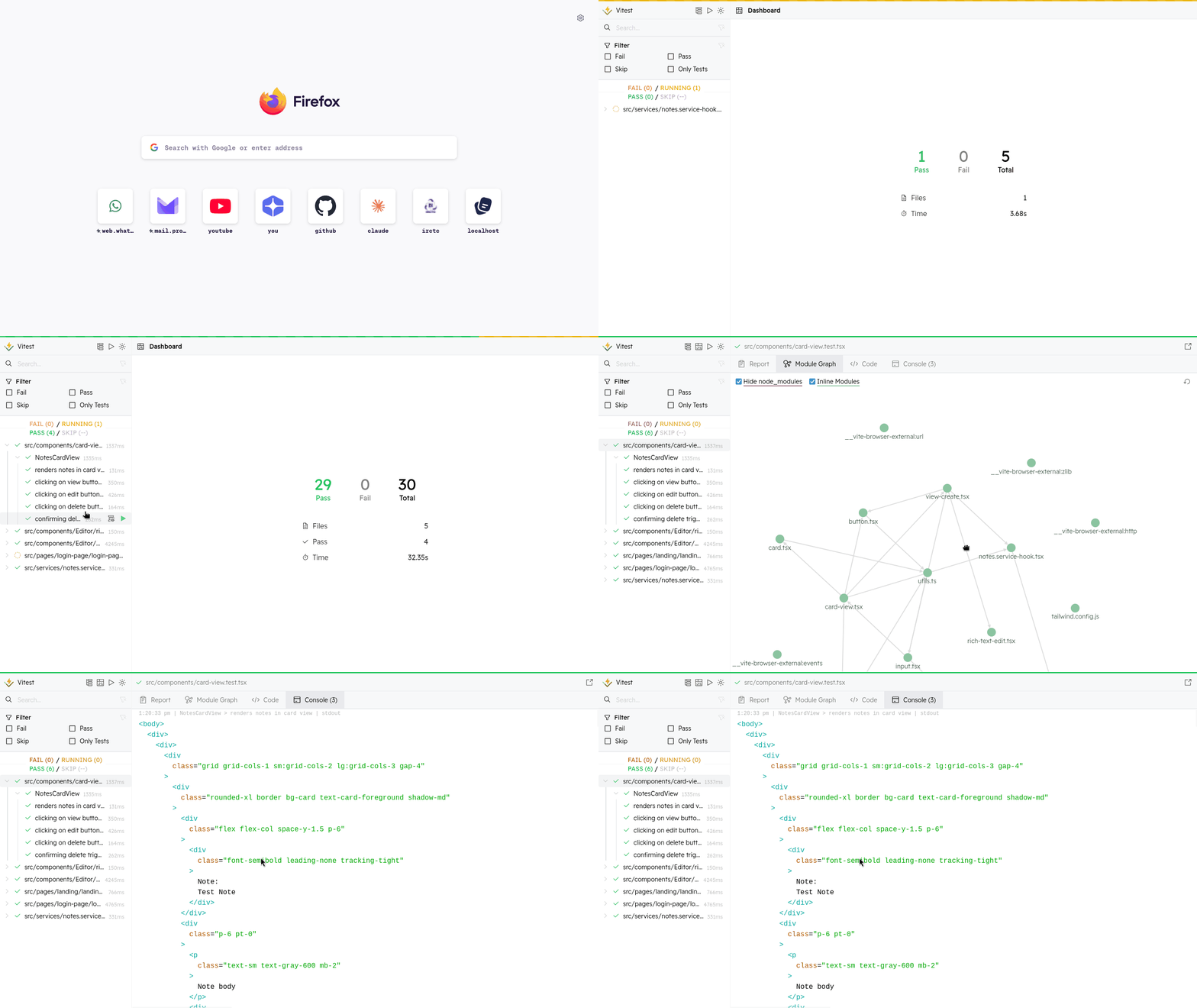
For more detailed information, check out the official Vitest documentation.